Someone we know bought a Mac Studio this week for $1,999. Apple lists that machine at $2,499. It is the entry configuration — M5 Max, 36GB of memory, 512GB of storage — and it was five hundred dollars off because that is the only kind of Mac a shop can discount.
Which means the real cost of choosing more storage was never the price of the storage. It was the price of the storage plus the discount you give up to order it. That is the part the configuration page does not show you, and it is usually the largest number in the decision.
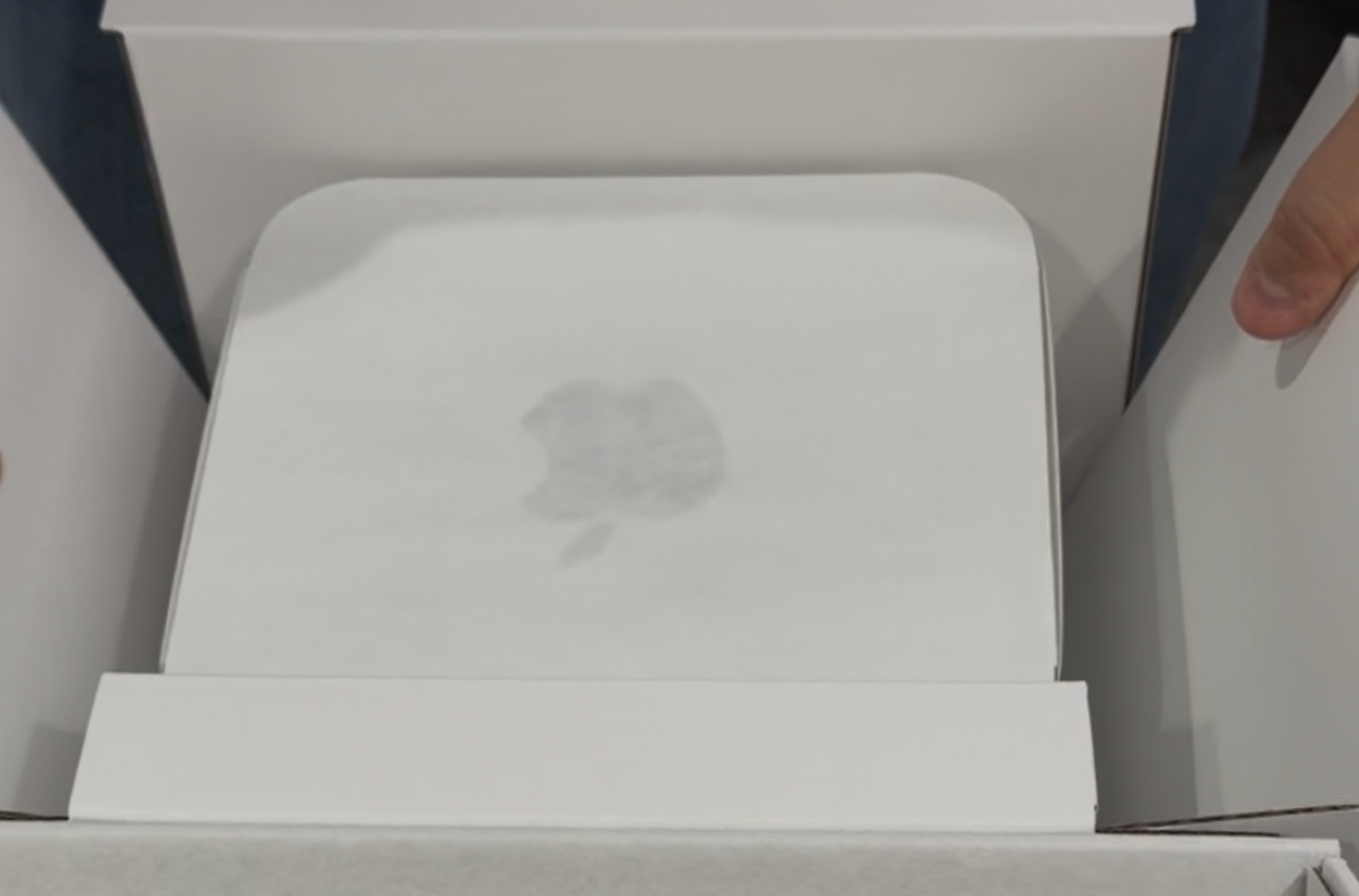
Why shops can only discount one version
A retailer buys stock. Stock means standard configurations — the exact machines Apple builds in volume and ships to shelves. Those are the ones that go on sale, get cleared, and turn up in a weekend promotion.
The moment you change anything — more memory, a bigger SSD — the machine stops being stock and becomes a build order. Apple assembles it for you. Apple does not discount its own build orders, and third-party shops rarely carry upgraded configurations in the kind of quantity that produces a deal.
So the two options are not “cheap machine” and “slightly more expensive machine”. They are:
| Choice | What you pay |
|---|---|
| Standard configuration | Whatever a shop is charging that week |
| Anything changed | Full list price, plus the upgrade |
In this case the gap between those two rows opened at five hundred dollars before a single option had been ticked.
Storage and memory are not the same decision
This is the part worth getting right, because the discount helps you with one of them and is no help at all with the other.
| Can you add it later? | Does the discount help? | |
|---|---|---|
| Storage | Yes — an external drive | Yes |
| Memory | No. Nothing you can plug in | No |
An external SSD on a desktop is not the compromise it would be on a laptop. The machine does not move. The drive never has to be unplugged, and on a Thunderbolt port it is fast enough for most professional work. Taking the discount and adding a drive is a real option.
Memory has no equivalent. There is no external memory, no upgrade path, no later. If the work needs more than the standard configuration provides, the discount is irrelevant — you have to pay list price and order the machine built.
So the question to answer before you buy is not “how much storage do I want”. It is: do I need more memory than the standard configuration? Everything else follows from that one answer.
How it worked out here
The work in question is not memory-hungry — no virtual machines running all day, no local models, no very large datasets. 36GB is comfortable for it.
That makes the purchase straightforwardly good. A Max-tier chip at five hundred under list, with the one non-upgradeable component already sufficient, and the one upgradeable component solvable with a drive that costs a fraction of the discount.
Had the answer to the memory question been different, the same deal would have been a trap — five hundred dollars off a machine that would have had to be replaced early.
512GB, honestly
We are not going to pretend 512GB is generous on a desktop. It is the smallest disk Apple puts in this machine, a fresh install and a normal set of applications take a real bite out of it, and the work that justifies a Max chip often produces large files.
But “small” and “wrong” are different words. A small internal disk with a deliberate plan for where files live is a working setup. A small internal disk with no plan is the one that fills up in eleven months and starts refusing installers.
Make the decision once, in the first week. Open System Settings → General → Storage on the new machine and look at what is actually free before anything has been put on it. Then decide where projects will live and keep them there. The failure mode is not the disk size; it is deciding case by case until the disk decides for you.
The rule this generalises to
This is not really about one Mac Studio. Every Mac Apple sells splits the same way:
- Standard configurations get discounted. Build orders do not. Before you tick any option, find out what the standard machine is selling for, because that is the number the upgrade is really competing against.
- Spend the money on what you cannot add later. Memory and the chip are permanent. Storage is a port away.
- A deal on the wrong configuration is not a deal. The discount only counts if the fixed parts of the machine are already right for the work.
What we are not telling you
- We have not benchmarked this machine. Nothing here is a performance measurement. It is an argument about how the price of a configuration is put together, and we would rather label that plainly than let it sit next to our measured work without a note.
- We are not quoting Apple’s upgrade prices. We could not verify them from a source we trust. Configure the machine on Apple’s own site and the figures will be in front of you — then add the discount you are walking away from.
- One price, one shop, one week. $1,999 is what this machine cost at one US retailer on one day. Discounts move. The reasoning survives the number; the number will not survive the month.
More of what Apple’s boxes leave out is in three things Apple’s boxes were missing, none of them on the box. And for the opposite question, what an older machine can still do, see a 2018 Intel Mac mini that runs four AI agents around the clock.
Published 24 September 2026. The Mac Studio with M5 Max went on sale on 22 September 2026, listed by Apple at $2,499 with 36GB of unified memory and 512GB of storage. The machine described here was bought at a US retailer for $1,999 in that configuration.