Apple will not give this Mac another macOS. It is a Mac mini from 2018, it stopped at Sequoia, and it has been running four AI coding agents around the clock for thirty days. The processor sits 44% idle. In an hour of logging it did not swap out a single page.
That is the whole answer, and you can stop reading here if what you came for was whether an abandoned Intel Mac can still do real work. The rest is what Apple actually cut off, what it did not, the numbers behind those two claims, and the one thing that will eventually force the decision anyway.
What Apple actually cut off
“Dropped support” turns out to mean something narrower than it sounds. We checked what this machine is still offered.
| What | This Mac |
|---|---|
| macOS Tahoe 26 | Never. Only Mac mini 2020 and later |
| macOS 27 | Never. Apple silicon only |
| Sequoia security updates | Still arriving — 15.8.1 was offered |
| Safari | Still arriving — 27.0 was offered |
So the machine is frozen at macOS 15 for features and will never move again. But it is not abandoned in the sense most people mean. It was offered macOS Sequoia 15.8.1 and Safari 27.0 while we were looking at it. The newest Safari runs on the oldest supported macOS, which is worth knowing for a different reason: it means a cut-off Mac and a current one can run the same browser, so comparing them is still fair.
The machine, and what it is doing
| Model | Mac mini, 2018 |
| Processor | Intel Core i5-8500B — 6 cores, 6 threads, 3.00 GHz |
| Memory | 32 GB DDR4-2667 |
| Storage | 233 GB, with 36 GB free |
| macOS | Sequoia 15.7.7 (24G720) |
| Uptime when measured | 30 days |
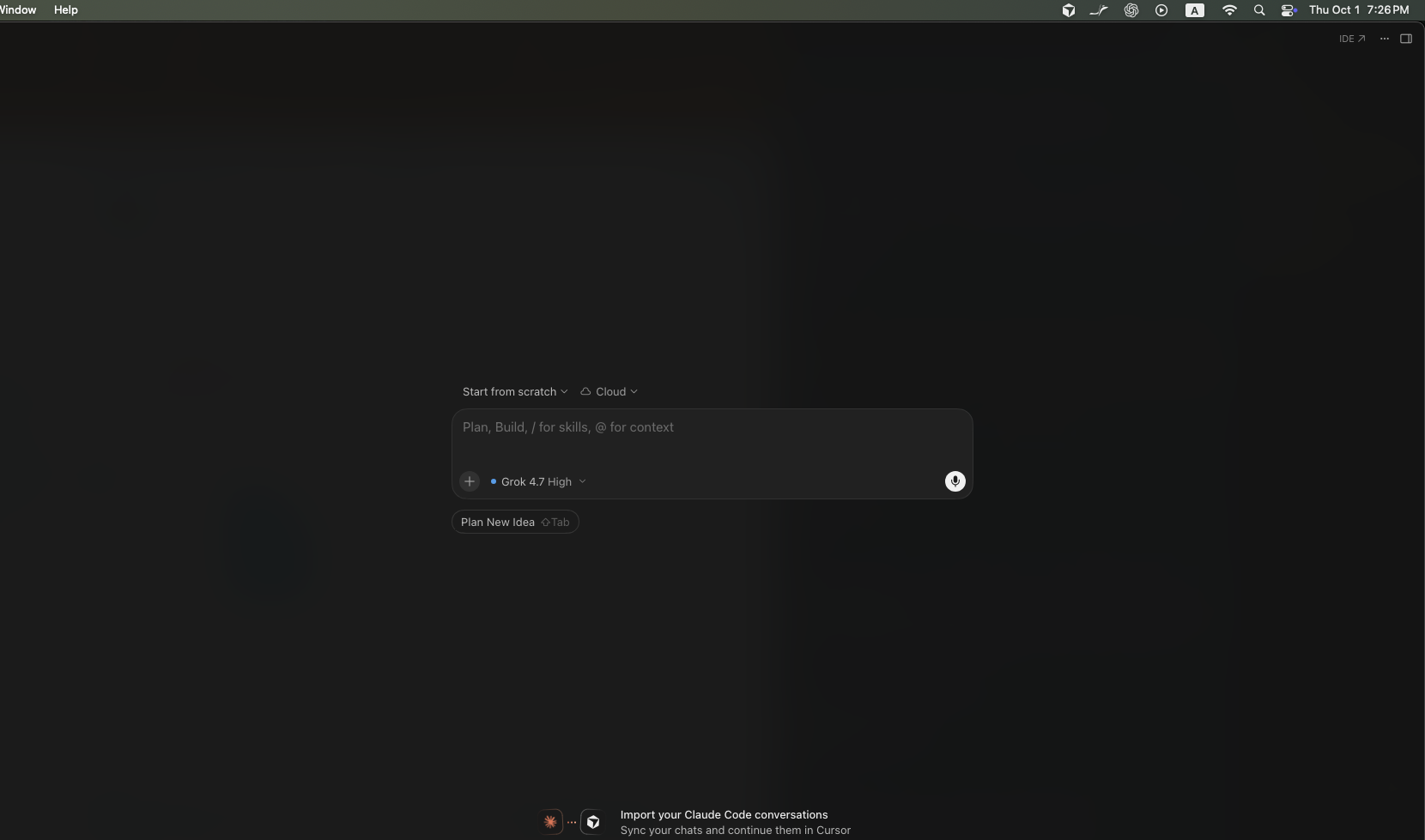
The workload is four AI coding agents running at once, each working in its own git worktree so they do not collide. They run continuously. Nobody babysits them. The machine has not been restarted in thirty days and the system log shows no kernel panics over that period.
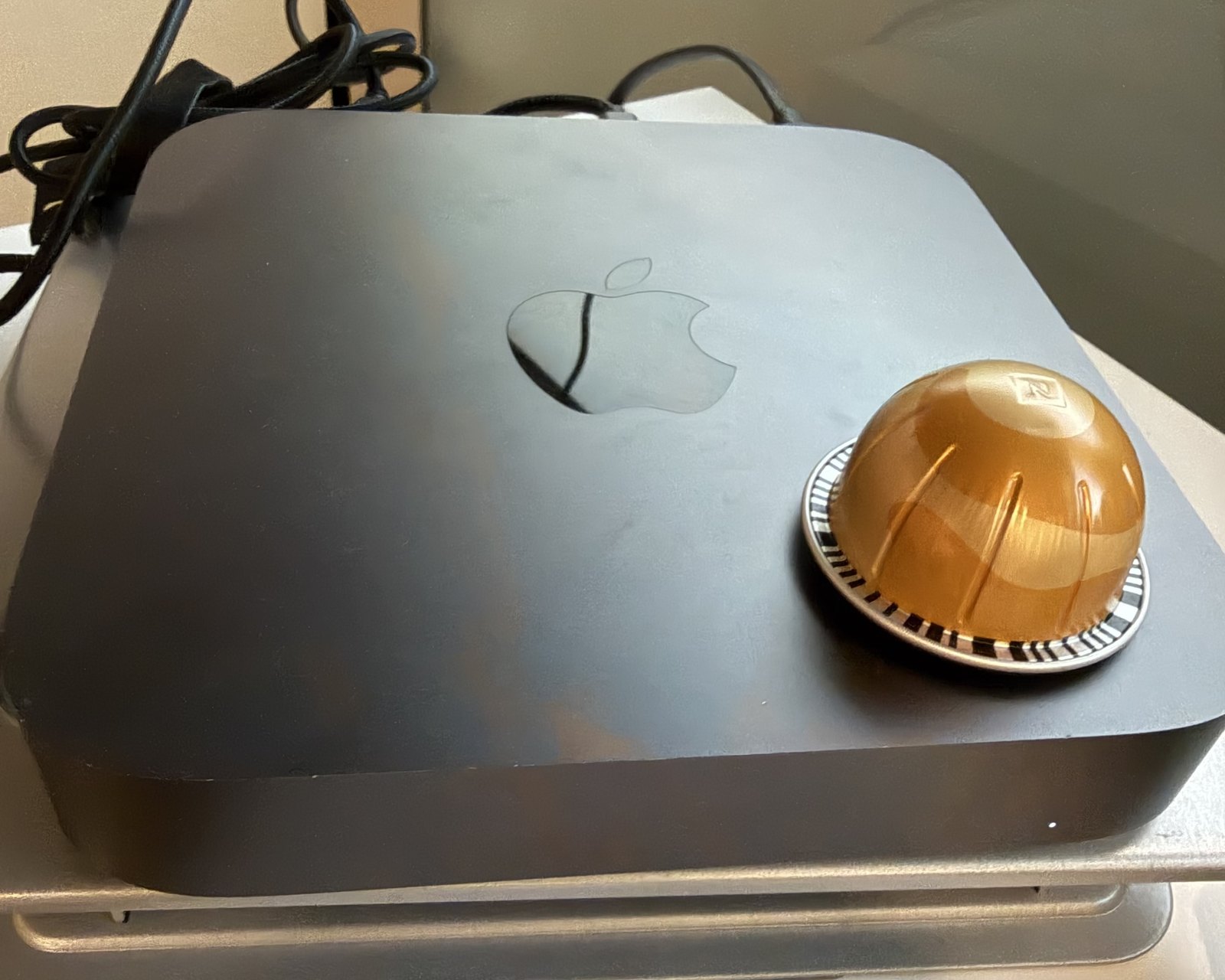
This is not a machine kept alive as a curiosity. It is doing the kind of work people buy new hardware for.
The processor is not the problem
Our first sample caught a load average of 10.85 on a six-core machine, which looks alarming. It was a burst. We went back and sampled once a minute for an hour — 58 usable readings, one minute dropped — and the median load was 2.33, with a range of 1.52 to 3.11. That is 39% of what six cores can absorb. We quote the median rather than the worst reading because a single spike is what sent us looking in the first place.
At the moment we took a full reading the processor was 44.4% idle (33.3% user, 22.3% system). One agent’s renderer process holds roughly one core continuously; everything else is small.
It is also not throttling, and here we can say that with more confidence than usual. pmset -g therm reported CPU_Speed_Limit = 100, with no thermal warning and no performance warning recorded. That counter only has a value on Intel Macs — on Apple silicon it is simply never populated, which is why every other measurement we publish has to infer throttling from throughput instead. On this machine we get to read it directly, and it says the processor is running at full speed.
The memory is not the problem either
We expected this to be where the machine fell over. A spot check showed 29 GB of 32 GB in use and 7.6 GB sitting in swap, which reads like a machine out of room.
So we logged it: one sample a minute for sixty minutes, while the agents kept working.
| Over 60 minutes | Result |
|---|---|
| Pages swapped out | Zero. The counter did not move once. |
| Swap in use | 7,620 MB at the start, 7,620 MB at the end |
| Pages swapped in | +6,829 — about 27 MB read back from swap |
| Compressor | Flat, within 3% |
| Free memory | Ranged from 136 MB to 1.95 GB |
The 7.6 GB in swap is a thirty-day balance, not something happening now. Nothing was being pushed out to disk during the hour we watched. The only swap traffic went the other way — pages being pulled back into memory, which is recovery, not pressure.
One stretch makes the point better than the totals do. Free memory fell to 136 MB — effectively nothing — and then climbed back to 1.95 GB thirteen minutes later. It did that without swapping anything out. macOS dropped file cache instead. Even at its tightest, the machine did not need the disk.
Our newest Mac does the same thing
Before reading the Mac mini’s swap figure as a verdict, we logged the newest machine we own the same way: a MacBook Pro with an M5 Pro and 48 GB of memory, a laptop from this year against a desktop from 2018.
| Mac mini 2018, 32 GB | MacBook Pro M5 Pro, 48 GB | |
|---|---|---|
| Swap in use at the start | 7,620 MB | 5,464 MB |
| Swap-outs since boot | 6,324,535 pages | 7,570,270 pages |
| Free memory, lowest reading | 136 MB | 30 MB |
| Intervals with any swap-out | 0 of 58 | 1 of 59 |
The newer, larger machine has more pages swapped out since boot and ran with less free memory — 30 MB at its lowest. And it behaves the same way the old one does. Across fifty-nine intervals it swapped out nothing at all, except once: a single burst of 21,203 pages, about 83 MB, inside one interval. Every other reading was flat. Over the whole window its swap usage went down, from 5,464 MB to 4,752 MB.
That is the shape of the thing. Swap does not accumulate steadily as a machine struggles. It arrives in bursts, and then it sits there — which is why a swap total is a record of something that already happened, not a description of what your Mac is doing now. The Mac mini’s 7.6 GB is thirty days of bursts that have long since stopped.
None of this makes the old Mac better. The two machines run different work, and one is a desktop that never sleeps while the other is a laptop that slept through most of the window. What it does establish is narrower and more useful: a large swap figure is not a diagnosis. If you open Activity Monitor on an older Mac, see several gigabytes of swap, and conclude it is time to buy a new one, the new one will show you the same thing — ours did, with 16 GB more memory.
So should you replace it?
Not for the reasons people usually give. On this machine, after thirty days of continuous agent work:
- The processor is not the limit. 44% idle, no throttling, confirmed by the counter rather than inferred.
- 32 GB is not the limit. Zero swap-outs in an hour of real work.
- Stability is not the limit. Thirty days up, no panics, no restarts.
- Nothing has broken. Thirty days of use, no application refused to run, nothing stopped working.
What will eventually force the decision is not performance. It is security support. Apple has historically kept patching the last macOS an Intel Mac can run for around three years after that version is superseded, which would put this machine’s quiet deadline somewhere near 2028. That date is our interpretation of Apple’s past practice, not something Apple has published, and we would not plan a purchase around it to the month. Nothing about the machine will feel slower on that day. It will simply stop receiving fixes, and that is a different kind of argument for replacing a computer than the one most people make.
If your Intel Mac feels slow, the useful move is to find out what is actually slow before deciding the chip is finished. On this one, nothing was.
Check your own Mac
These are the commands behind every number above. They are read-only, they take seconds, and they need no sudo. Open Terminal and run them on the machine you are thinking about replacing.
# Is the processor being throttled? Intel Macs only.
# CPU_Speed_Limit = 100 means full speed.
pmset -g therm

# How much swap is in use right now
sysctl -n vm.swapusage

# Cumulative pages swapped out, and pages currently free
vm_stat | grep -E 'Swapouts|Pages free'
The single reading that matters is the third one, and only if you take it twice. A large swap total tells you nothing on its own. Watch whether Swapouts climbs while you work — that is the difference between a machine that has swapped in the past and one that is swapping now. This is what we logged for an hour:
for i in $(seq 1 60); do
  printf '%s ' "$(date +%H:%M)"
  vm_stat | awk '/Swapouts/{print $2}'
  sleep 60
done
If that number is the same at the end as at the start, your memory is not the thing holding you back, whatever Activity Monitor’s swap figure says.
Being cut off from macOS is not the same as being cut off from updates. We checked this machine’s software update feed and it is still being offered Safari 27 — the same browser generation as the Macs Apple did not drop.
What we have not tested
- We did not benchmark this machine. It is doing real work that we were not willing to stop, so there is no Speedometer score and no compression timing here, and nothing in this article belongs in a chip-to-chip comparison table. Every number above describes a machine under its normal load.
- One hour of memory logging, one machine. Sixty samples a minute apart. A longer window, or a heavier day, could show swap-outs we did not see.
- The two logs are not the same window. The Mac mini’s sixty samples cover one continuous hour on a desktop that never sleeps. The MacBook Pro’s sixty samples were a minute apart in intent but stretched across nine hours, because the laptop slept between them. We are comparing the shape of swap behaviour on the two machines, not timing them against each other, and we would not read anything into the per-interval figures beyond that.
- This is one Mac mini with 32 GB. A 2018 Mac mini with 8 GB is a different machine, and four agents on it would be a different result.
- We did not test the agents’ output. Nothing here says whether the work was good — only that the hardware kept up with it.
Measured 1 October 2026 on a Mac mini (2018) with an Intel Core i5-8500B and 32 GB of memory, running macOS Sequoia 15.7.7, under its normal workload of four AI coding agents in separate git worktrees. Processor and thermal state read with pmset -g therm and top; memory logged with vm_stat and sysctl vm.swapusage, sixty samples at one-minute intervals. Comparison figures logged the same way on a MacBook Pro with an M5 Pro and 48 GB of memory, over a window that ran from the evening of 1 October to the morning of 2 October and included the laptop sleeping.